


Travel Request and Justification
How to submit Title III Travel Request and Justification
Complete Travel Requisition/Travel Conference Registration (link to Travel) for amount to enter in SciQuest.
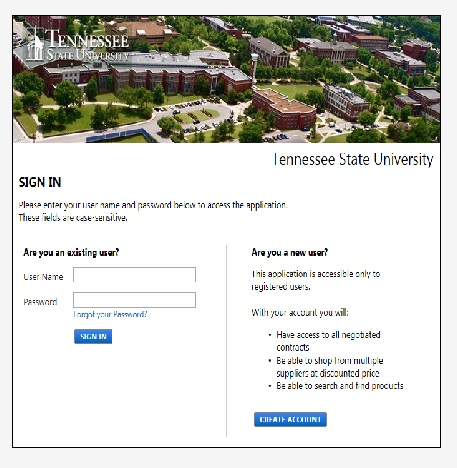
1. Sign in to SciQuest.
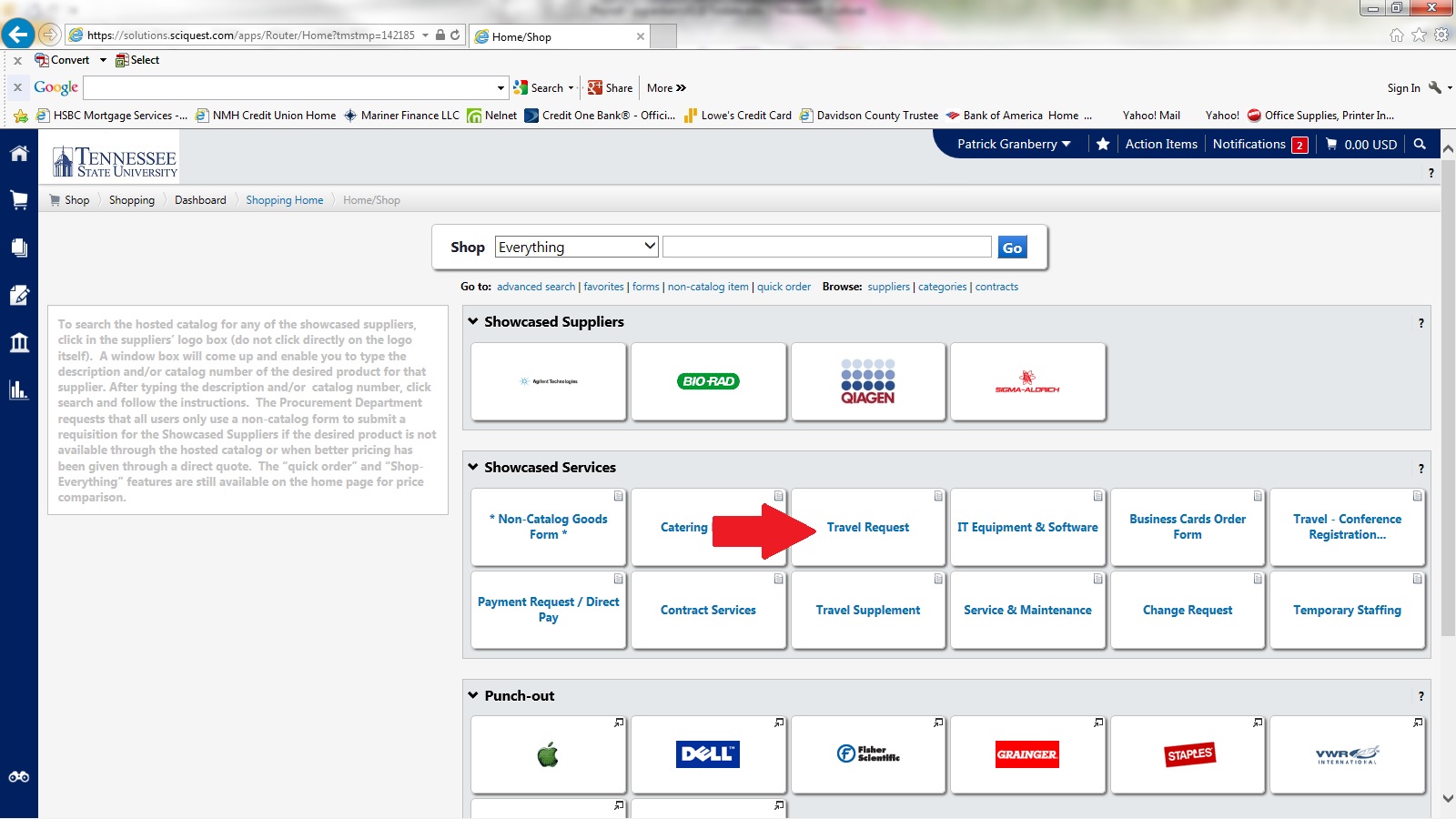
2. Select Travel Request.
3.Complete the Travel Request Form.
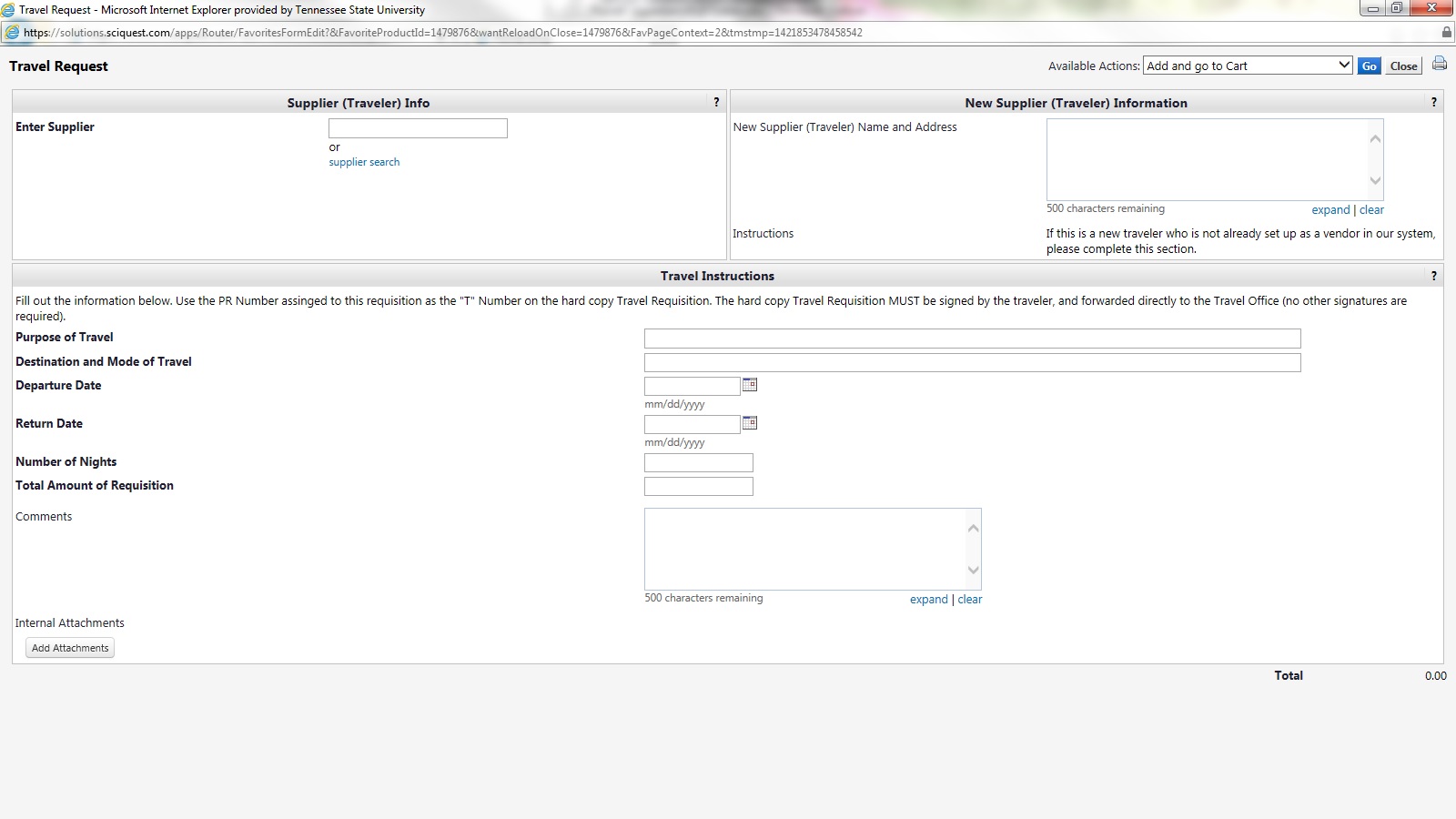
4. Attach documents- (Preferred but, not required)
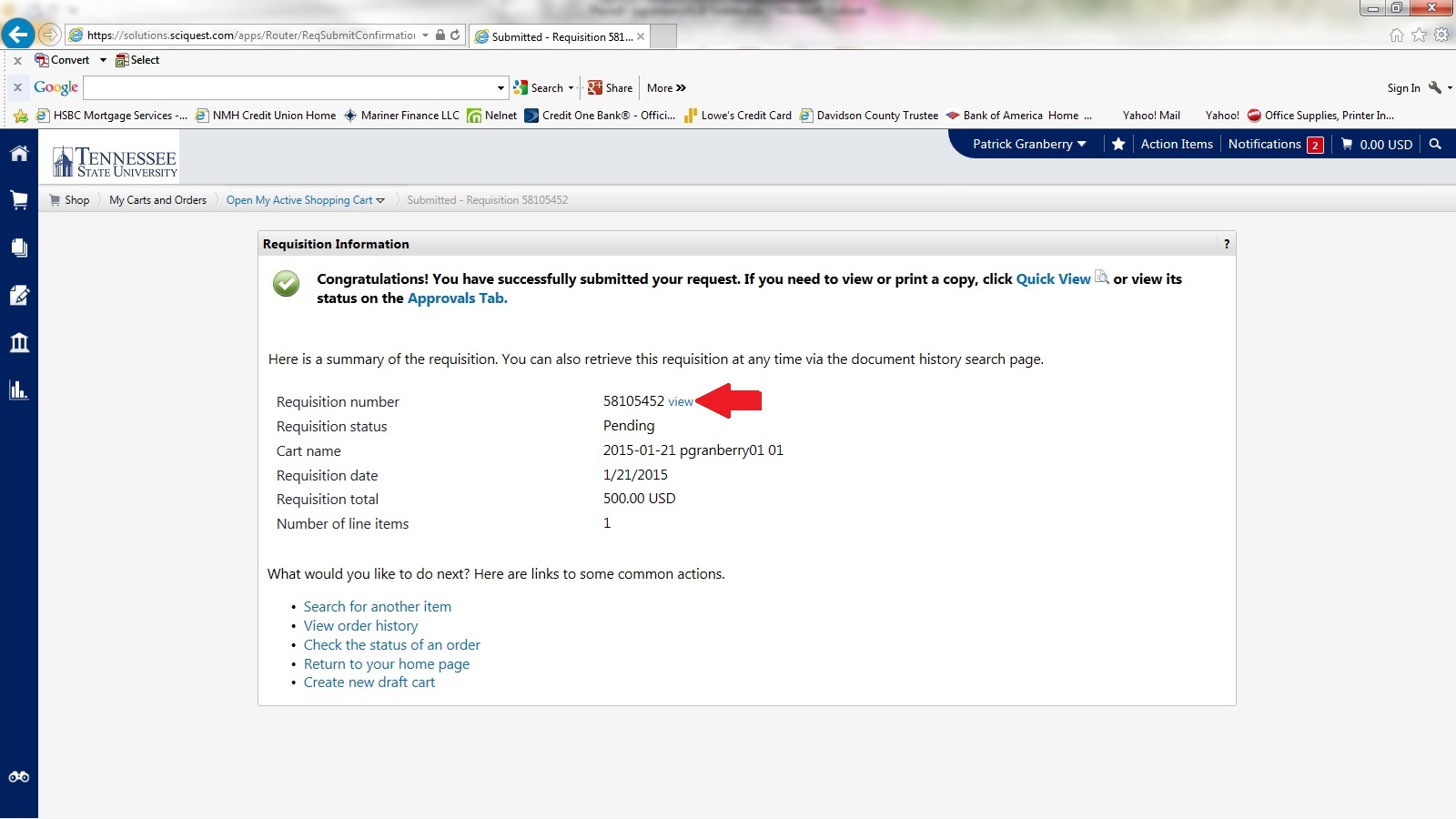
5. The PR number that is generated in SciQuest is your Travel Requisition Number.
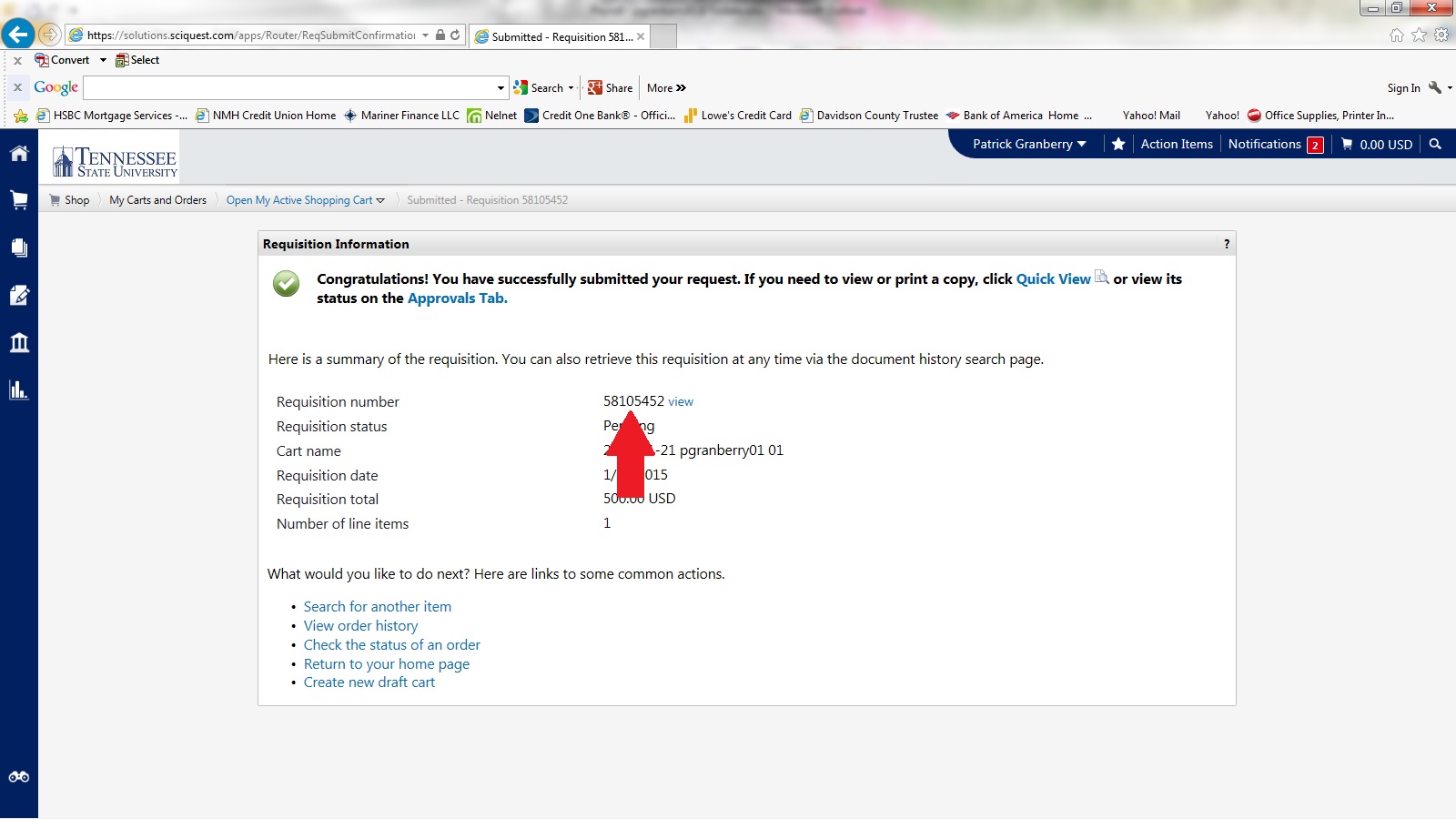
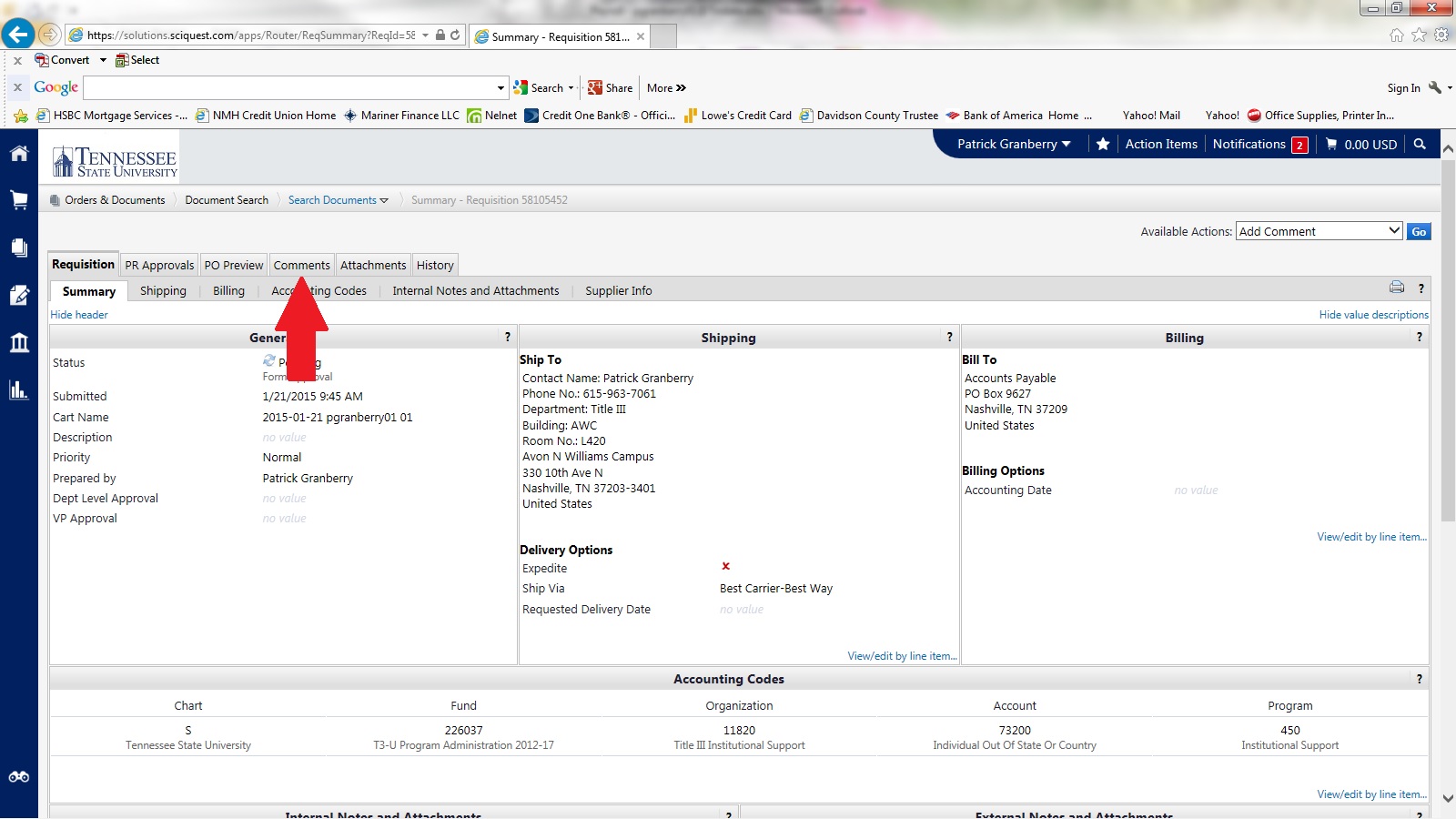
6. Click view, then comments.
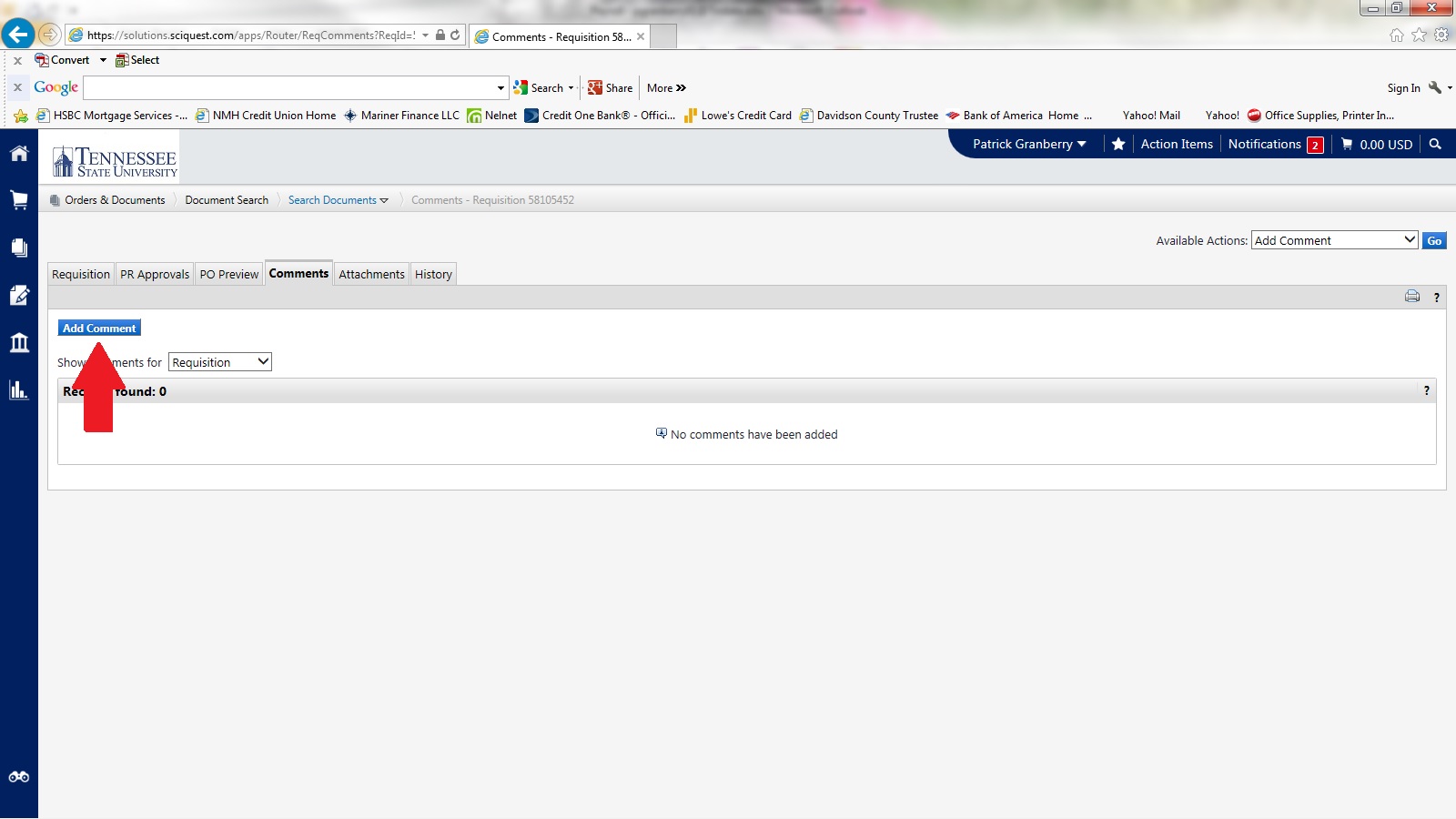
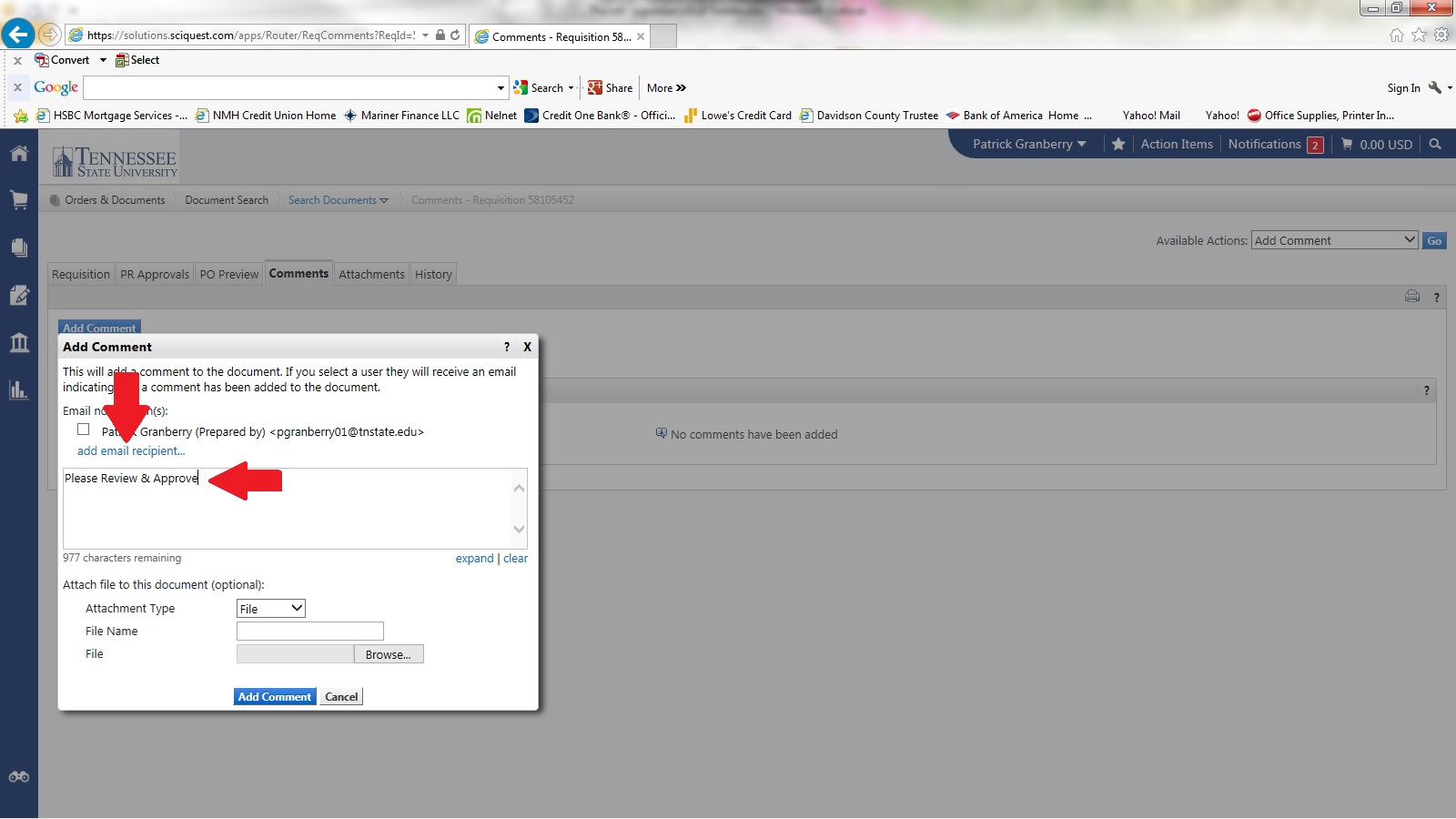
7. Add Comment: "Please Review & Approve." Next, add email recipient (Your director, mseward@tnstate.edu, swyatt@tnstate.edu, and creese4@tnstate.edu).
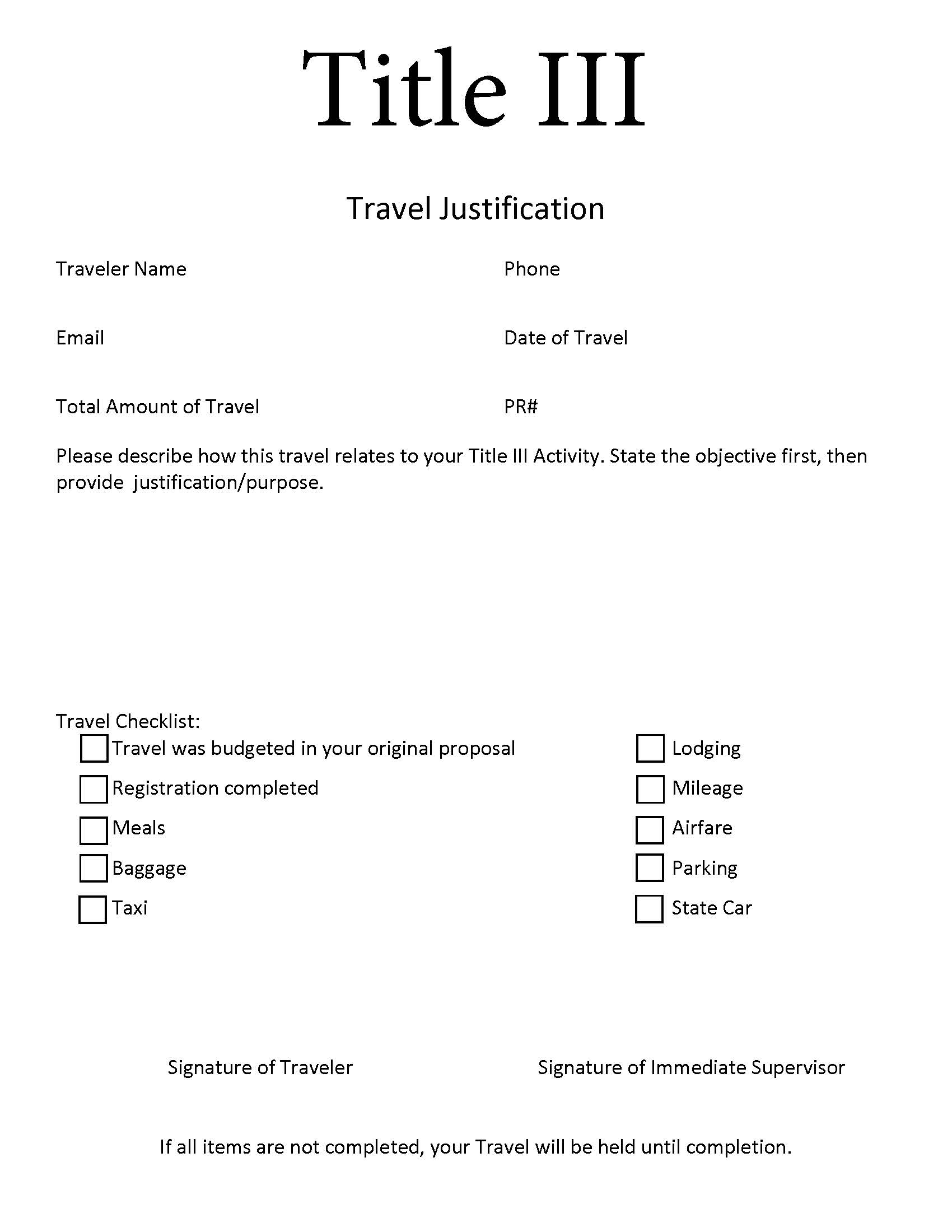
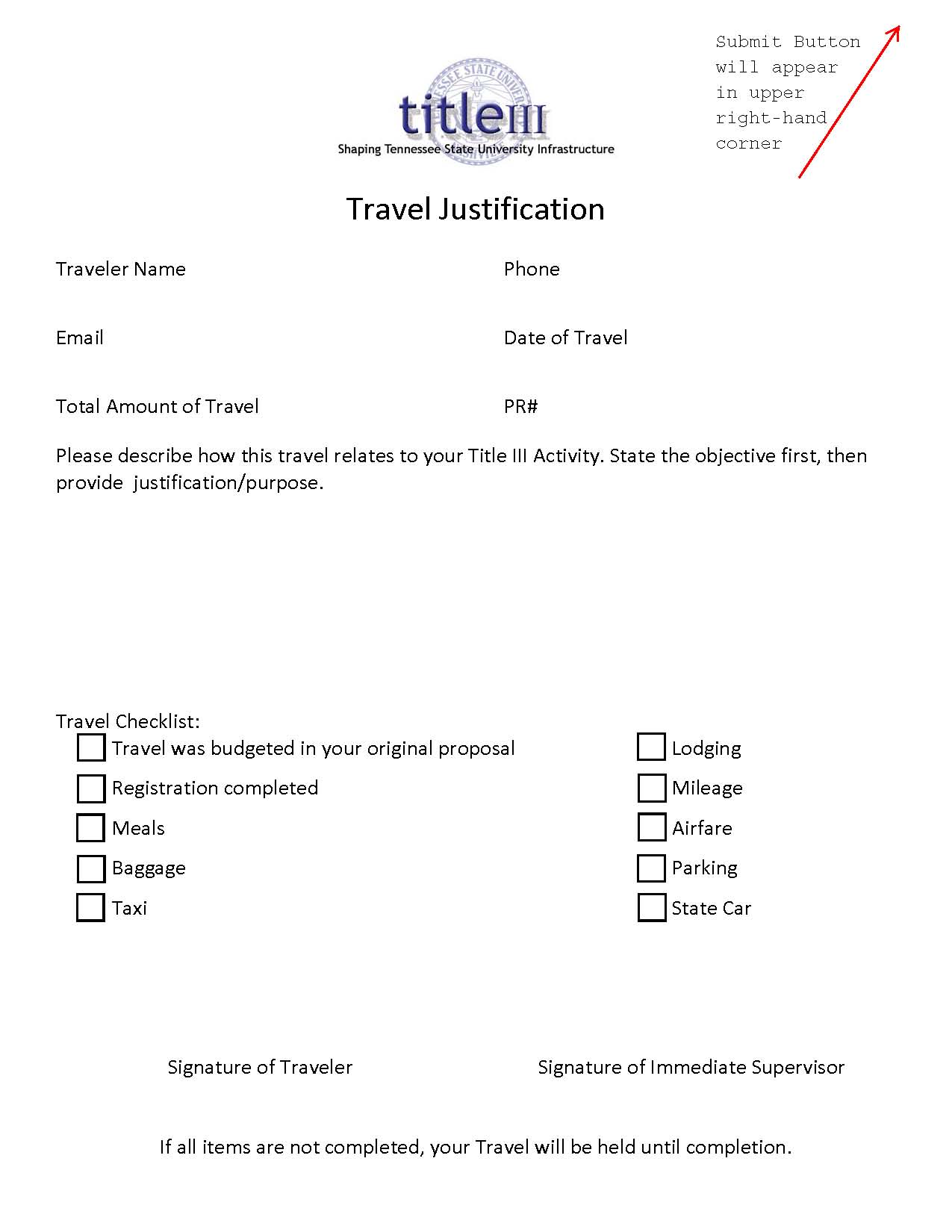
8. Please complete and submit the Title III Travel Justification and Travel Requisition Form below.
Title III Travel Justification
9. Send Hard Copy, with attachments, to Title III Office.
***Travel Request and Travel Conference Registration must be done separately. The only time Registration is placed on a Travel Request Form is when the traveler covers the cost of Registration themselves and wants to be reimbursed. Follow the same process for submitting Travel Conference Registration as for Travel Request, just select the Travel Conference Registration tab instead of the Travel Request tab (Step 2).***
webpage contact:
Title III