Student Email Setup on Android | Technology Services
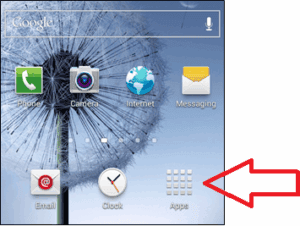
1. Click on “Apps”, then go to “Settings”.
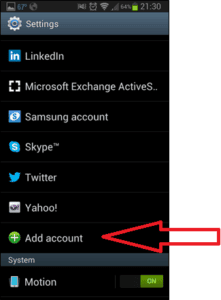
2. Click “Add Account”.
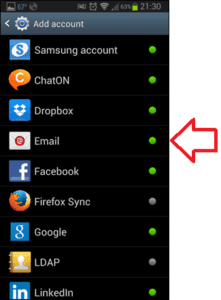
3. Click “Email”.
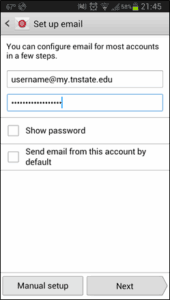
4. Enter your credentials (same username/password you use for signing into the computer and Elearn).
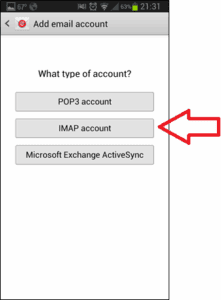
5. Click “IMAP” account”.
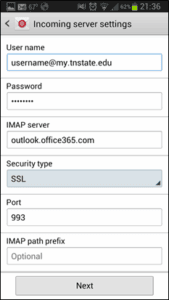
6. IMAP server- “outlook.office.365.com”; Change “Security type to SSL”; Change Port to “993”.
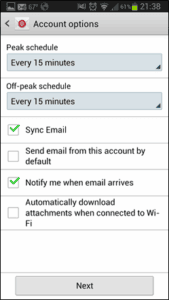
7. You can set your own schedule times.
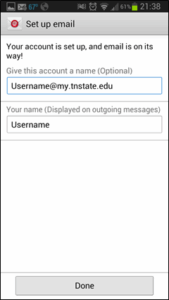
8. Fill in the blanks.