
Facilities Management | Administration

Planning, Design & Construction + Campus Operations (PDC & Ops) (also known as Facilities Management)
Creating a Superior Learning Environment
Our Mission
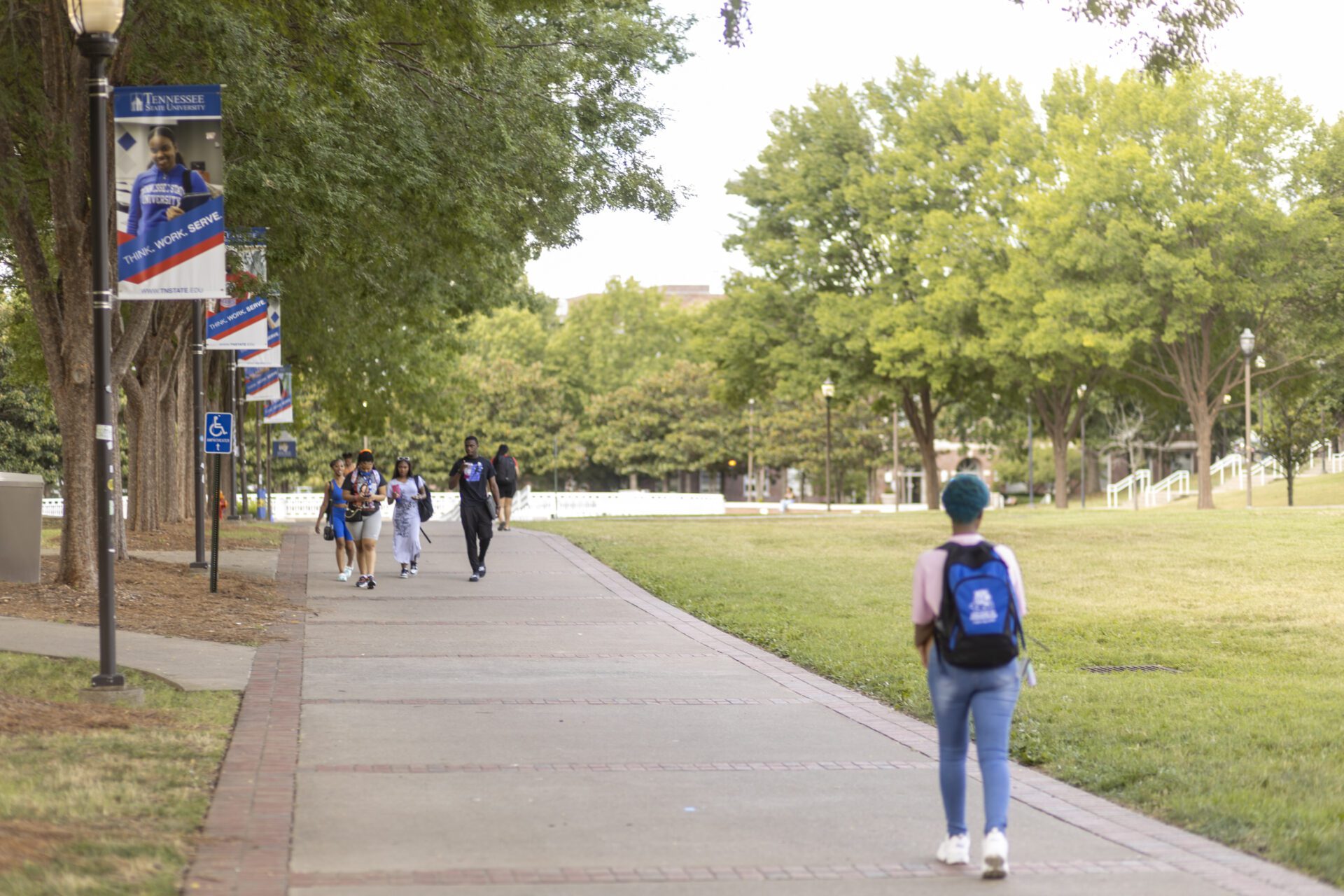
TSU’s Facilities Management Team takes pride in maintaining the living, learning and working environment of the faculty, staff and students.
Serving the University
Planning, Design & Construction + Campus Operations (PDC & Ops) maintains and services all university property, and plans and develops future-ready, sustainable facilities. By caring for the TN State campus, we contribute to the university’s overall mission of success.
As an HBCU and a member of the 1890 land-grant university system, TSU focuses on serving historically underserved communities, promoting diversity and offering innovative programs.
Forms & RequestsServices
Getting You Where You Need to Go
| Use the App to Track TSU Shuttles | Shuttle Schedule (Snow Schedule) | Reserve Shuttle |

Shuttle Schedule
| *UPDATED* | Main Campus Loop & Access to Red Shuttle Stay in the loop with BLUE — the campus route that keeps you connected. Whether you’re heading to class, the Student Center or Gentry, just look out for the blue window panels to get to your next convenient stop all around campus. It even links you to the RED shuttle for Avon Williams, making it the easiest way to move about campus all day long. With service from campus parking areas to many key destinations, BLUE keeps your day moving smoothly. |
| RED Route>> | Direct, frequent service that makes getting to Avon Williams easier than ever. The RED Route is now running 2 shuttles for more frequent rides to Avon Williams. Look for the red window panel and hop on to enjoy convenient access to Avon Williams—no need to worry about parking downtown. One of the RED shuttles will return to the apartments after each trip back to campus, making it even easier to get where you need to go.
ROUTE 1: Main Campus/ROTC Plane <==> Avon Williams Off-Campus Instructional Site ROUTE 2: Ford/ NRC Apts <==>Main Campus/ROTC Plane <==> Avon Williams Off-Campus Instructional Site |
| Weekend Route>> | Apartments <==> ROTC Plane/Student Center |
| NOTE:
* All times are approximate and subject to traffic delays * Homecoming Week has a separate shuttle schedule. * Thanksgiving Week – There are no shuttle services in operation from Thursday – Sunday. Operations resume on the Monday following Thanksgiving. |
|
Use the App to Track TSU Shuttles

We are pleased to offer BusWhere shuttle tracking at TSU! We continue to strive to make planning your day simpler with a more convenient transportation experience. With BusWhere shuttle tracking, you will be able to do the following:
- See the location of the shuttle bus on the map in real-time
- View ETAs for any stop along the route so you know when to meet the shuttle
- View real-time announcements about any potential delays or schedule changes
Register for BusWhere
Scan the QR Code below to register for BusWhere:

Download the BusWhere App
Scan or click below to download the BusWhere for Shuttles app…and start tracking today!
NOTE: You must create your BusWhere account first to login to the app.
 |
 |
Contact Us
Have Questions?
Facilities Management Operations
Hours of Operations: Monday – Friday 8:00AM – 4:30PM
Phone: (615) 963-5671
After Hours: (615) 963-5970
Email: workcontrol@tnstate.edu
If your request is a Maintenance EMERGENCY call 1-800-279-3102
Directions to Office | Submit a Work Order
Please contact a staff member to answer your questions:
Campus Operations + Planning, Design and Construction
Will Radford, LEED-AP, BD+C
Assistant Vice President
(615) 963-1350
wradford@tnstate.edu
Leah Granderson
Executive Director, Planning, Design and Construction – Campus Operations
(615) 500-7061
lgrander@tnstate.edu
Vonetta Johnson
Executive Manager
(615) 963-2266
vjohnso2@tnstate.edu
Veronica Jones
Director of Fiscal Services
(615) 963-5307
vjones@tnstate.edu
Jenifer Grady
Data and Compliance Manager
(615) 963-5669
jgrady4@tnstate.edu
Operations
Paul (Zack) Thompson
Director of Engineering
(615) 963-5483
pthomps2@tnstate.edu
Planning, Design and Construction
Fabien Jolivette
Director, Planning and Design
(615) 963-5666
fjolivette@tnstate.edu
Transportation & Vehicle Maintenance
Andre Westmoreland
Supervisor
(615) 963-5700
awestmoreland@tnstate.edu
Warehouse & Movable Property
Dr. Joseph Perry
Director of Soft Services
JLL, agent for state of Tennessee Real Estate Asset Management
(629) 204-2933
joseph.perry@jll.com
Submit a work order: /maintenance/